Bankruptcy
A bankruptcy firmwebsite that lowersthe fear of the first call
A bankruptcy website earns the call by explaining Chapter 7 and Chapter 13 in plain language, stating fees and payment arrangements, carrying the debt relief agency statement where it is required, and making the form short enough to complete on a phone.
What usually goes wrong for bankruptcy firms
- Chapter 7 and Chapter 13 are explained in code sections, not in what they mean for a person's home, car and wages.
- Fees and payment plans are unstated, so a person in financial trouble assumes the consultation is out of reach.
- The required debt relief agency statement is missing or buried.
- The site feels judgemental, when the person needs to feel it is safe to call.
The pages your site will carry
Each one written for your firm from the onboarding call, with consultation terms on every practice area page and the form on every page that needs it.
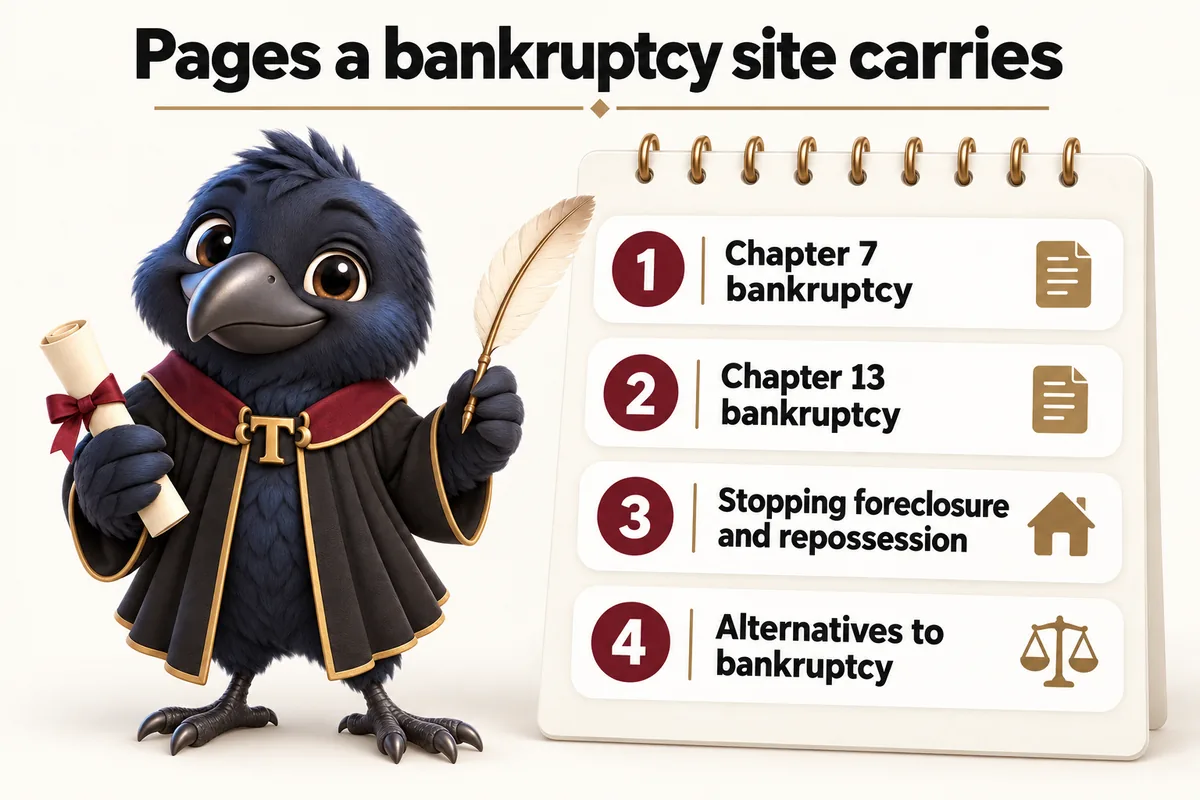
- Home
- Chapter 7 bankruptcy
- Chapter 13 bankruptcy
- Stopping foreclosure and repossession
- Alternatives to bankruptcy
- What to bring to a consultation
- Attorney bios with admissions
- Consultation request
Fee and retainer estimator for bankruptcy matters
The estimator shows an illustrative flat fee for a Chapter 7 or Chapter 13 filing as you publish it, with court filing fees noted separately, and describes any payment arrangement you offer, labeled as not a quote and not legal advice. Details go into intake so the follow-up call is already scheduled.
Illustrative only. Not a quote, not legal advice, and it does not create an attorney-client relationship. The firm sets every figure and approves every sentence.
What the AI Engine does for bankruptcy callers
Chambers and Firmwide plans
People researching bankruptcy are often anxious and embarrassed to call. The AI chat lets them ask about your published fees and process privately, takes details and books a consultation, and never advises whether to file or which chapter.
The receptionist, site chat and SMS, Messenger and Instagram agents never give legal advice. You approve the script before launch, every conversation is logged, and AI usage is billed at cost. How the AI Engine works.
In the firm's words
What firms like yours say
Client reviews matched to this practice area where we have one.
What I value about the consultation preparation guide is its restraint. People come to the first call prepared, and nobody has been asked to upload anything premature. The link now goes out with our reply to every new inquiry.
Our old change process for consultation preparation content was informal to the point of folklore. Now I send the current wording and its replacement, review the preview, and confirm. Far easier than narrating edits and hoping they survived the telling.
Case studies
Case studies for bankruptcy and similar practices
What happens after you order
- Pay the first monthly invoice (Day 0). Choose Counsel, Chambers or Firmwide and pay the first month. Nothing else is due until the site is live and you have approved it.
- Fill in the onboarding form (Same day). About 15 minutes at /onboarding: practice areas, attorneys and admissions, offices, consultation terms and your intake tool. Anything missing can follow by email or as a ticket in your client portal.
- One onboarding call (Within 2 days). We walk through your answers, fill the gaps, agree the tone for the practice area pages and set the launch date. That call is the whole brief.
- We write and build every page (The build). Practice area pages, attorney bios, office pages, the consultation request form wired to your CRM and the fee and retainer estimator, all reviewed with you before launch.
- Live, then the build fee (Launch). The site goes live in 7, 10 or 15 days depending on the plan. The $797 build fee is invoiced only after you have approved the live site, and your portal account opens the same day.
Three ways to run it
Every plan carries the pages above, the estimator and the intake connection. Chambers adds the AI Engine that answers and books; Firmwide adds the Content Engine. The $797 build fee is invoiced only after launch.
| Plan | What it is | Monthly | Live in |
|---|---|---|---|
| Counsel | The website, fully managed | $137 / month | 7 days |
| Chambers | Everything, plus the AI Engine | $297 / month + usage | 10 days |
| Firmwide | Everything, plus the Content Engine | $747 / month | 15 days |
Questions from bankruptcy firms
Do you include the debt relief agency statement?
Yes. The statement required by federal law for attorneys who provide bankruptcy assistance is placed where you tell us it must appear, in the wording you approve. We do not draft it for you.
Can we state a flat fee for Chapter 7?
Yes, where your state's rules allow. Publishing it removes the biggest reason a person does not call. The scope, and what is not included, is stated beside it.
How do you write about foreclosure?
As general information on what happens in the process and what options exist, with a clear direction to book a consultation quickly. Nothing on the site advises on a particular case.
Is the intake form short?
Yes. Name, phone, the kind of debt problem, and whether a foreclosure or repossession date is near. Everything else is collected on the call, not on the form.
Can the site explain Chapter 7 and Chapter 13 plainly?
Yes, as general information pages that explain each process and what the firm does, reviewed by you.
Do bankruptcy firms need specific advertising wording?
Some rules require specific statements for debt relief advertising. Give us the wording you use and we apply it on the relevant pages.
Can we show our fees and payment plans?
If you publish them, yes, through the estimator, labeled as illustrative and not a quote.
Can people ask questions without calling?
On Chambers and Firmwide the chat and SMS agents answer from what you approve and book a consultation, at any hour.
Weighing other options? See how a managed site compares with WordPress, a freelancer or a legal marketing agency, or every comparison.
The next step
See it built for bankruptcy
A live walk-through, on your screen, of the site your firm would get: these pages, your attorneys, your consultation terms. The build fee is invoiced only after launch.
Or email . A person replies within one working day.